Unclock
Timers that keep you guessing
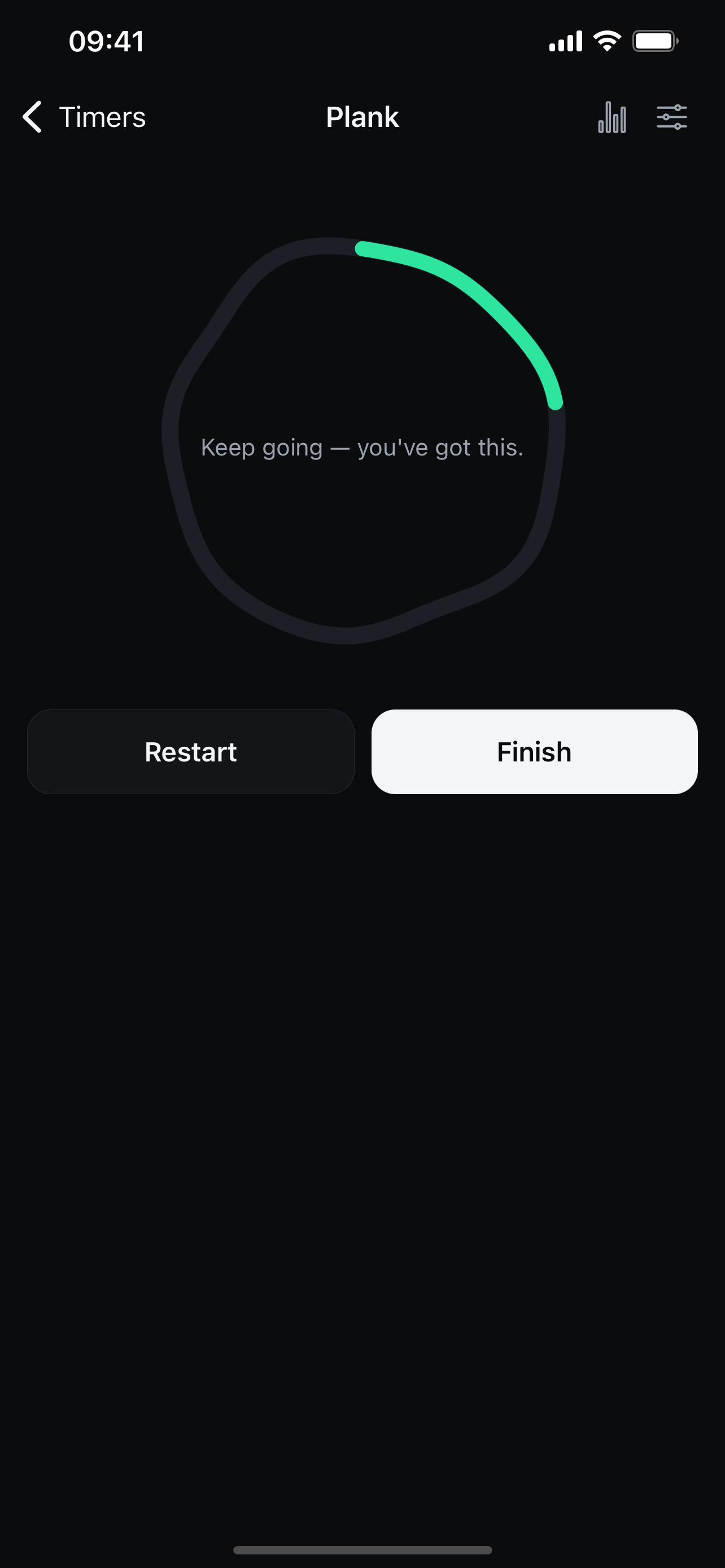
When you watch every second tick down, you tend to drop the instant the clock hits your target. Unclock hides the exact time and stretches each session a little further, so you push until the finish—and only find out afterward that you held longer than you expected.
Push Past Your Target
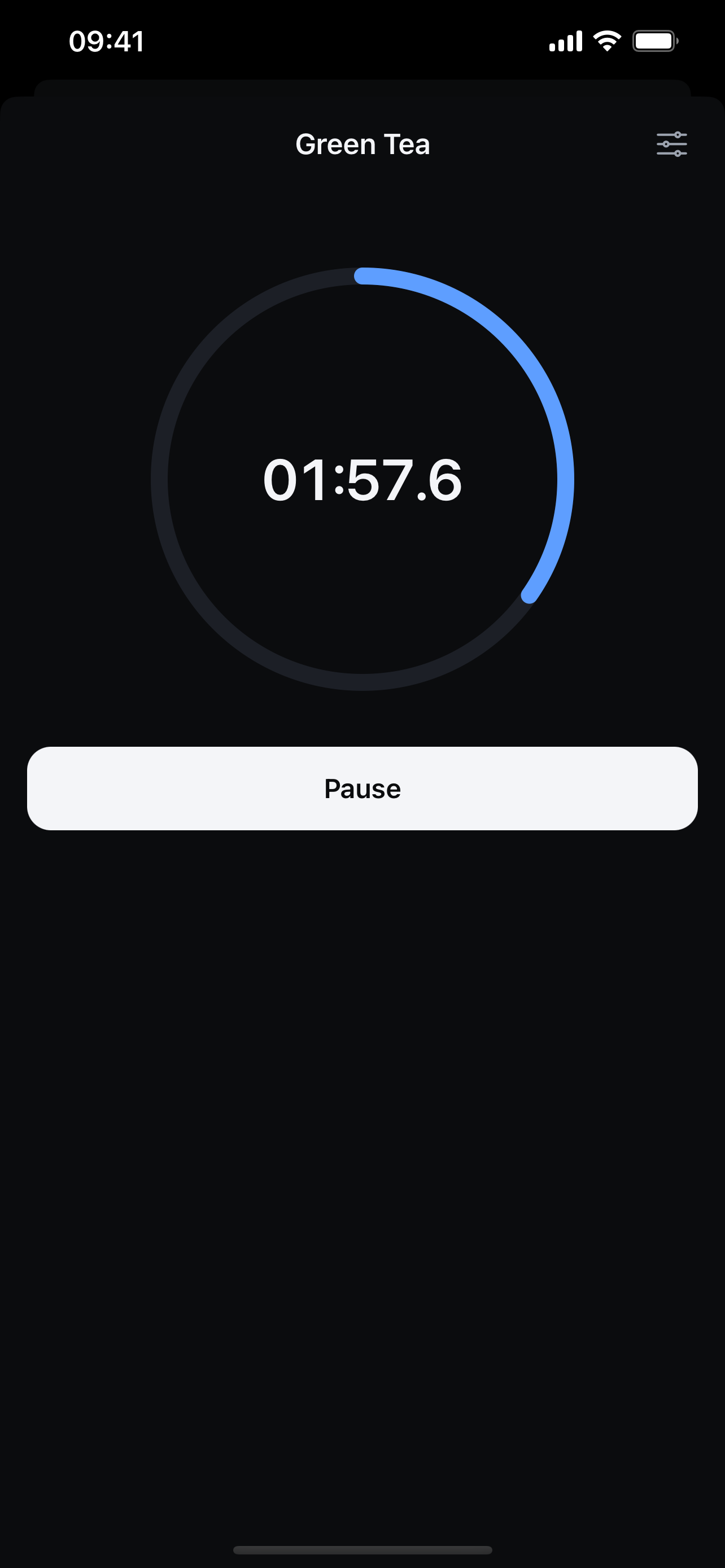
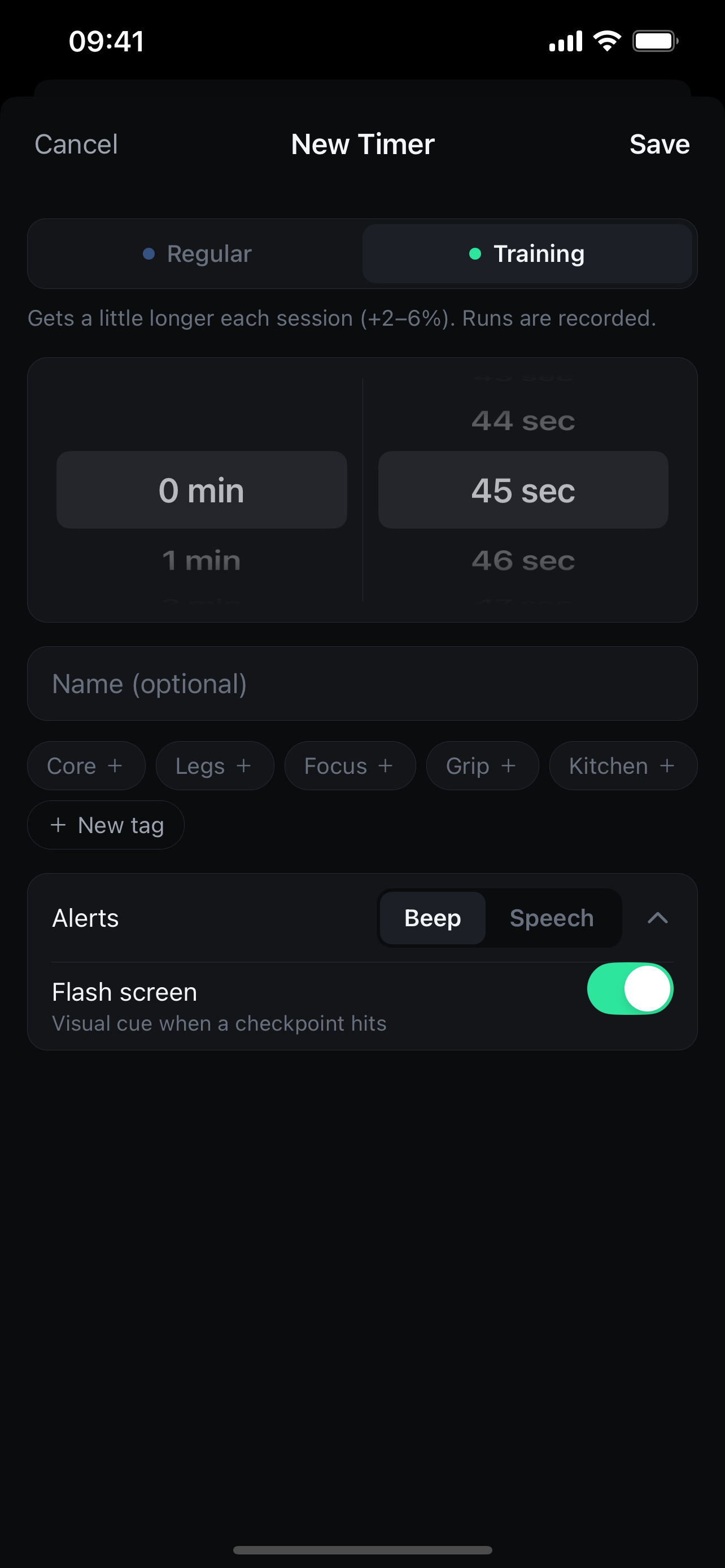
Each session grows +2–6% with subtle random variation and an uneven progress ring, so you can't anticipate the exact last second.
See Real Progression
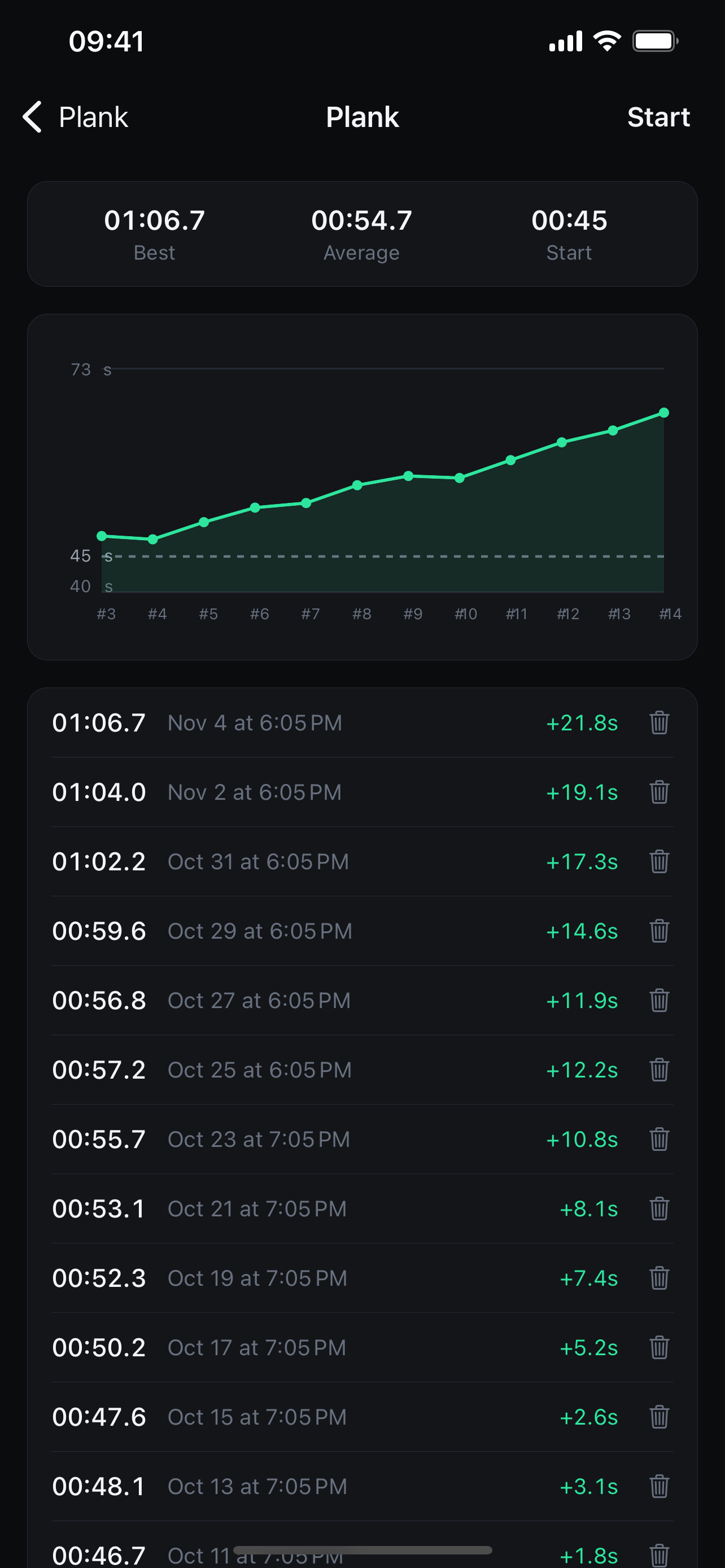
Tap finish whenever you stop. Every actual hold is recorded and charted so you can watch your best and average times climb.
Beeps, Flashes & Voice Cues
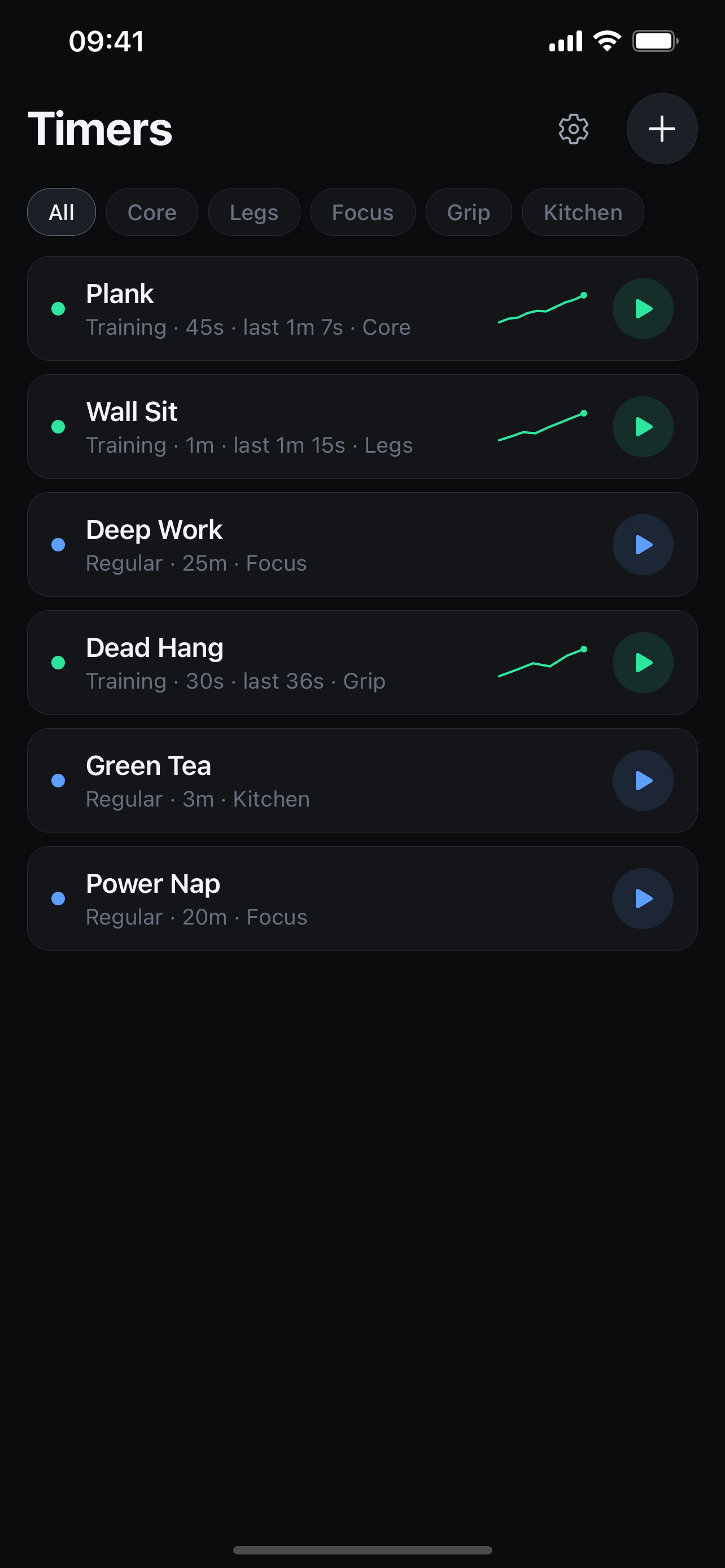
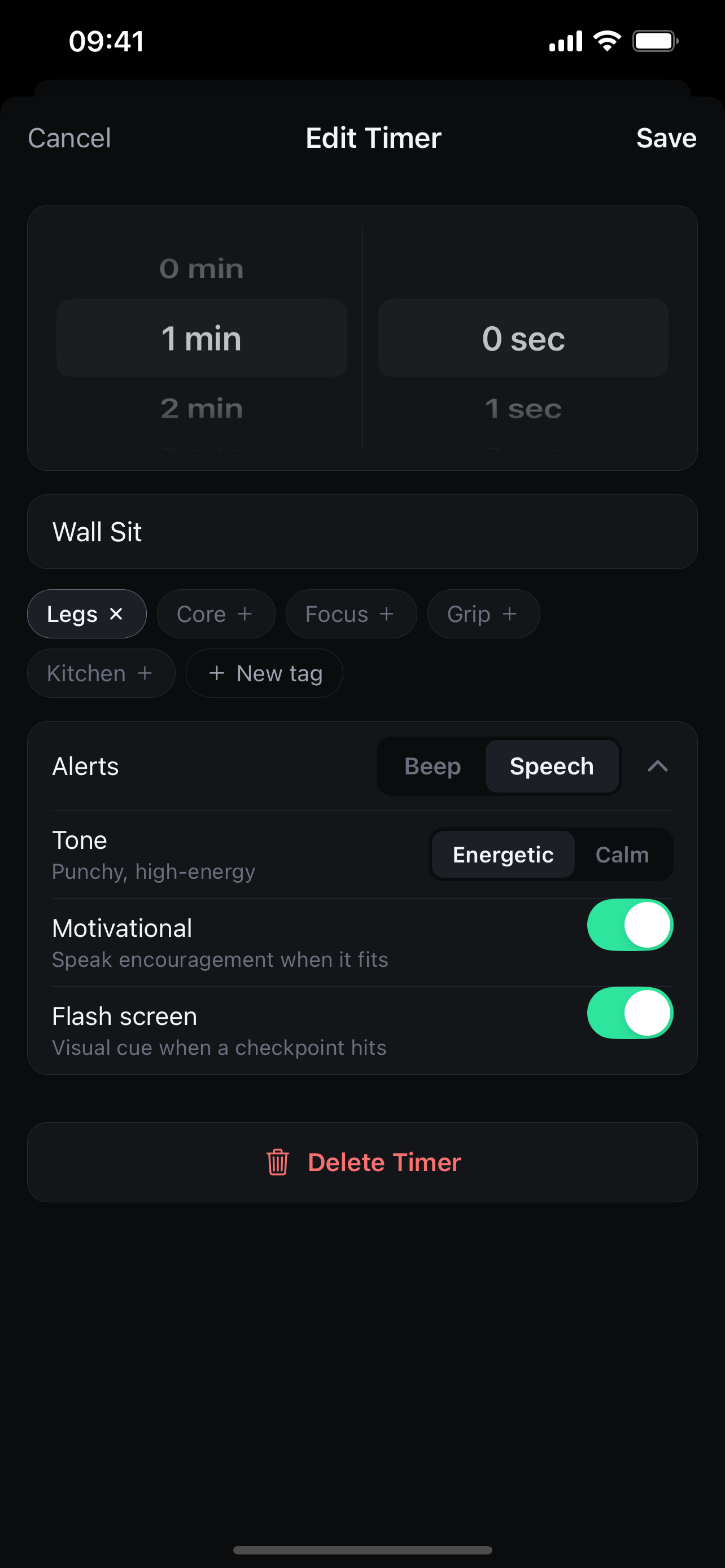
Get beeps and screen flashes at key milestones, or upgrade to Pro for calm or energetic spoken cues that push you without giving the clock away. Plus simple named timers for everyday countdowns.
Screenshots
Support
Need help with Unclock?
If you have questions, feedback, bug reports, or trouble with a purchase, reach out directly and we'll get back to you promptly.
- Restoring Unclock Pro: Open Settings in the app and tap Restore Purchases using the same Apple ID used for the original purchase.
- Background Alerts: Ensure notifications are enabled for Unclock in your device system settings so timers can alert you when the screen is locked or another app is open.
- Data & Backups: All timers and session logs are stored locally on your device. Uninstalling the app will remove local timer history.